Rust Serenity External
1 person is viewing this product right now.
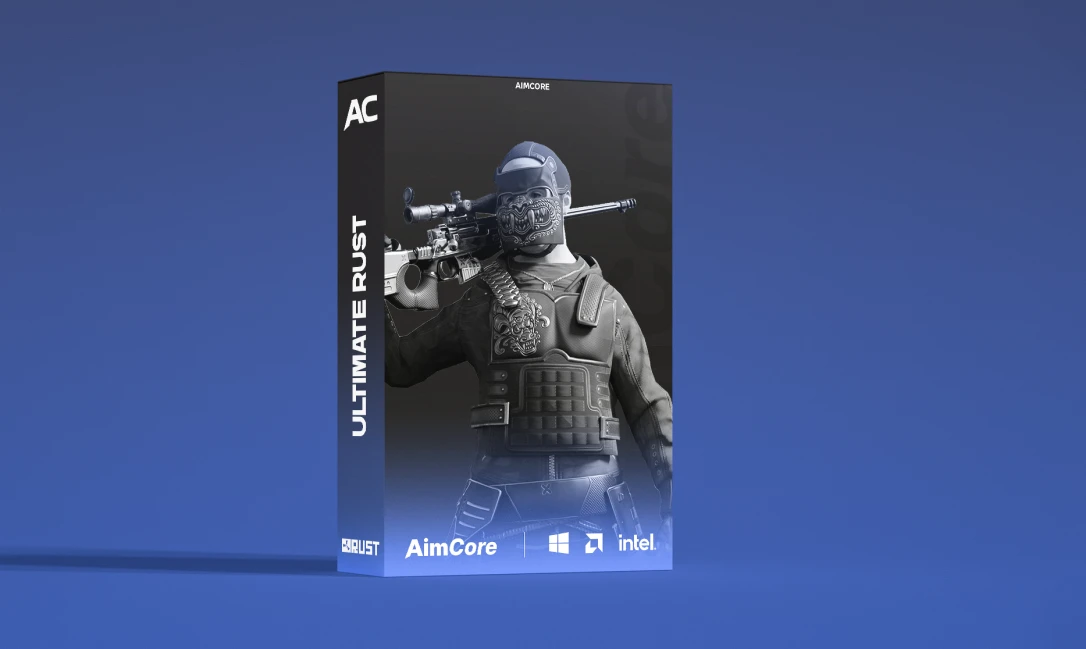
Ultimate – Features & Descriptions
Serenity is a high-end undetected rust cheat for Rust that offers players a significant in-game advantage while reducing the risk of detection. It features aimbot for precise targeting, ESP to highlight enemies through walls, no recoil and no spread to enhance weapon accuracy, and resource gathering automation. Additionally, it includes advanced anti-cheat bypass technology to minimize the chance of being caught. Serenity is designed for those who want to dominate the game effortlessly.
AIMBOT
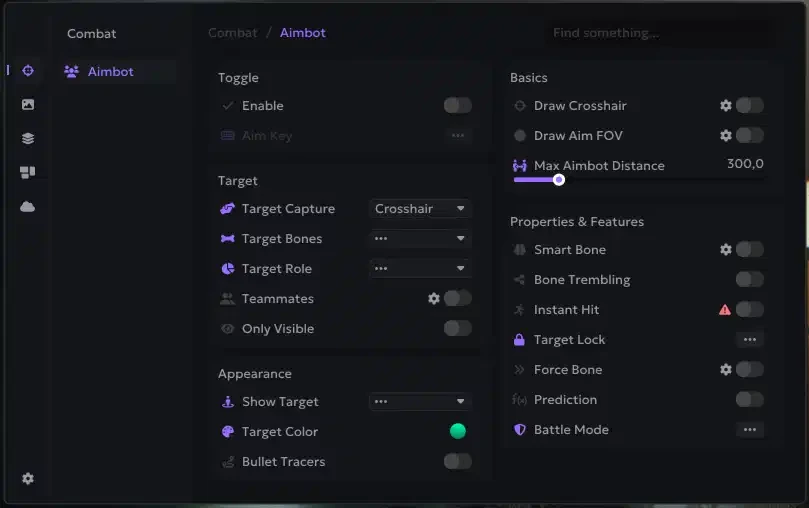
Memory Aim - this type of aimbot is aimed using data from the game's memory
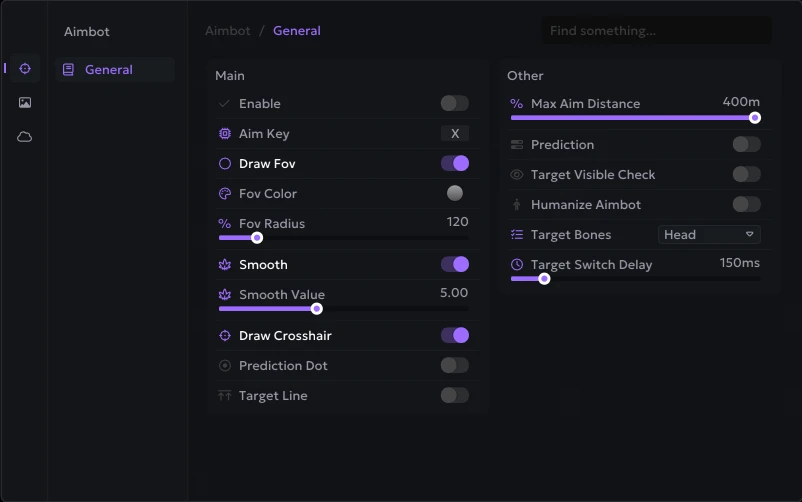
Smooth - smoothness of Memory Aim movements, higher value - less sharp aim
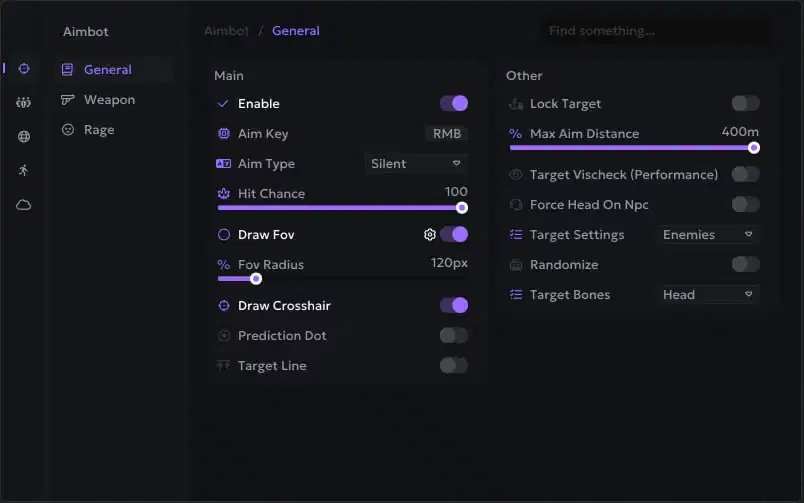
Aim Key - select a key to activate aim (hold)
FOV (Draw FOV, Color) - the size of the aim's working area, the ability to draw it on the screen and change the color
Target Line - mark the current aim target with a line
Lock Target (Key) - when you press this key, the aim will be fixed on the current target until the fire stops or the target is destroyed
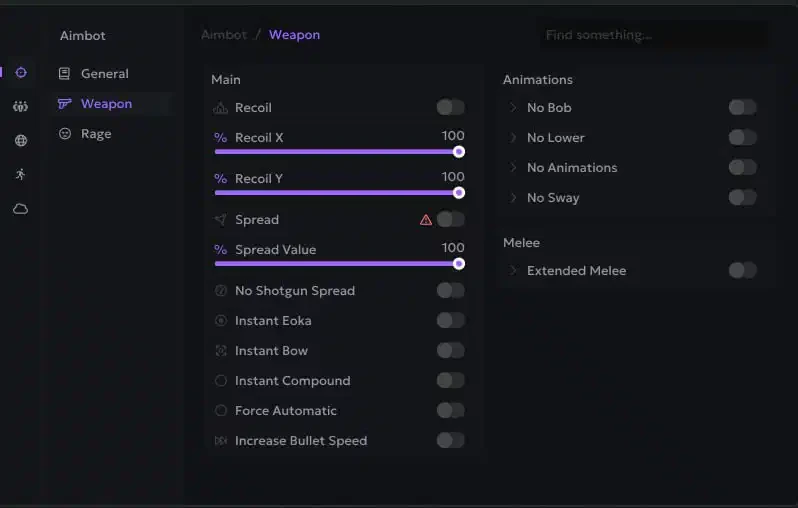
Recoil Modify (X / Y Value) - settings to reduce weapon recoil (RCS)
Spread Modify - settings to reduce spread when shooting
No Animation - remove shooting animation
No Shotgun Spread - disable spread on shotguns, all bullets hit one point
Hitsound (Skeet/NL/Bubble) - sound when hit by a shot
Desync
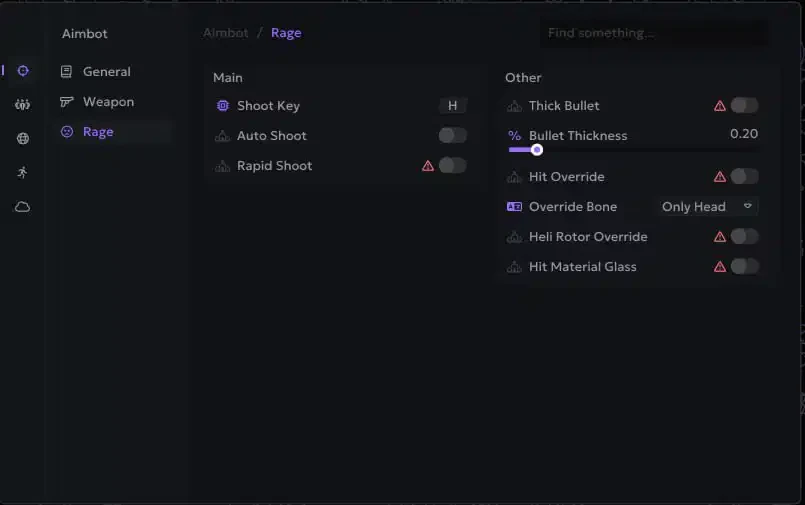
Fat Bullet - big bullets
Rapid Fire
Instant Hit - bullets instantly reach the target
Increase Bullet Speed - Increase the rate of fire
Silent Aim - a powerful type of aim, bullets hit the target in the FOV radius, but the sight and camera are stationary
Max Distance - range of aiming
Prediction Dot - a dot showing where the aimbot will aim if you open fire from the current position
Targets (Enemies, NPCs, Teammates, Sleepers, Friends) - selecting targets for aim
Fast Eoka - insta shot with eoka
Bone - hitboxes that the aim will shoot at
Hit Material - hit animation texture
Force Automatic - shoot any weapon in automatic mode
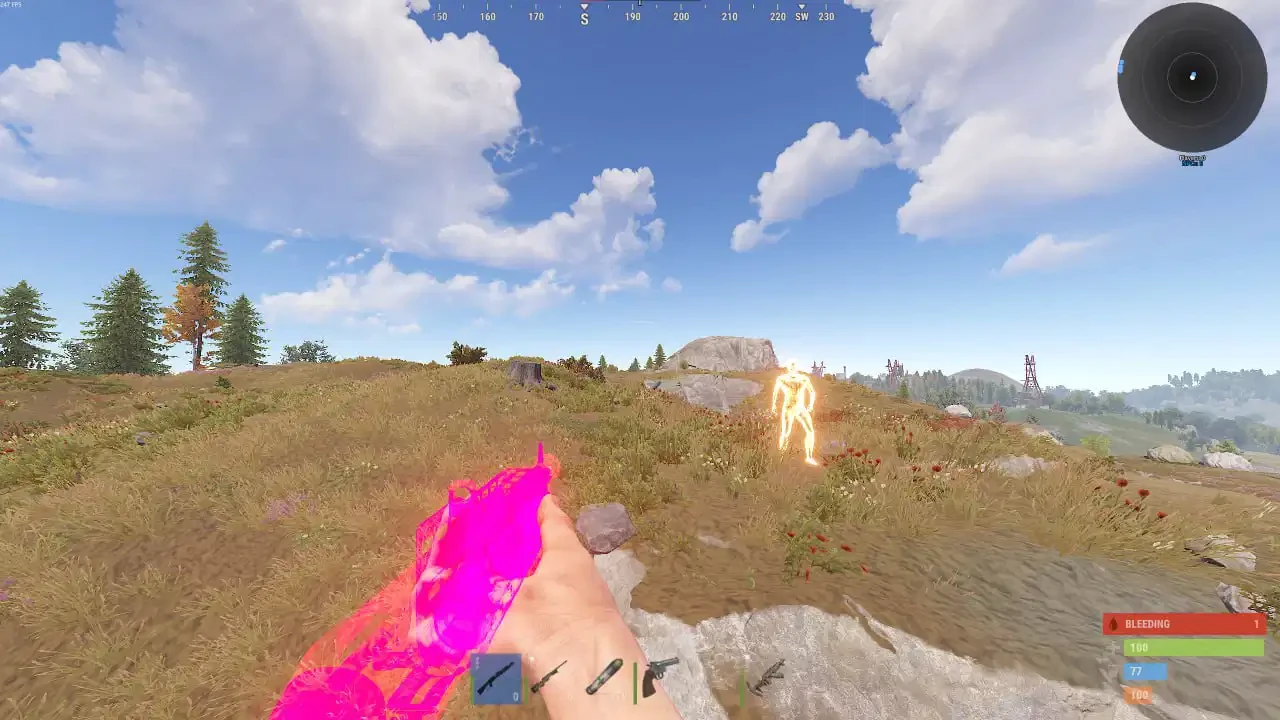
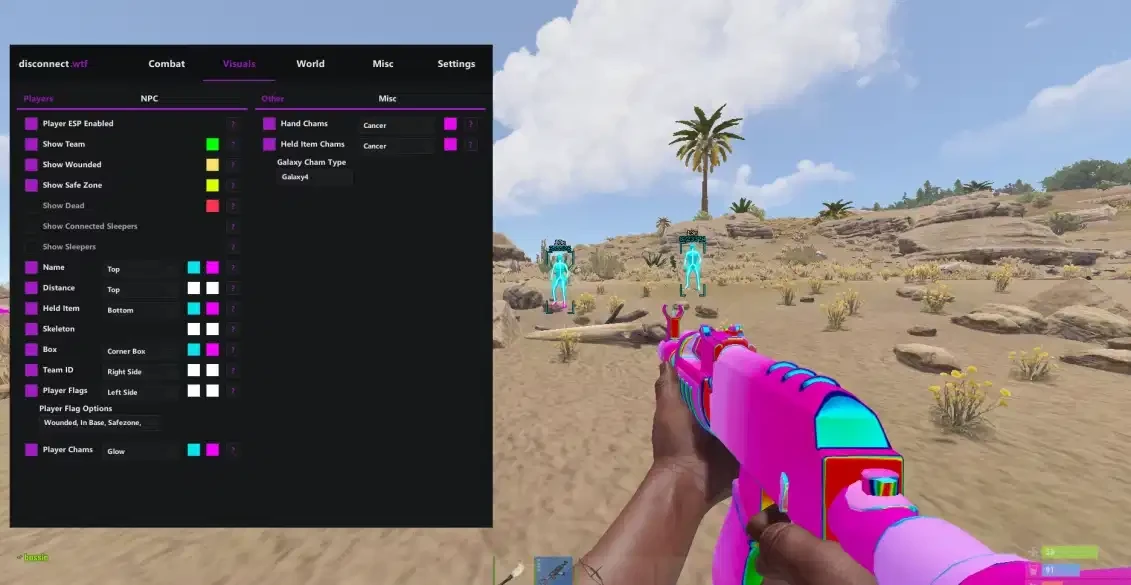
Player ESP (WH)
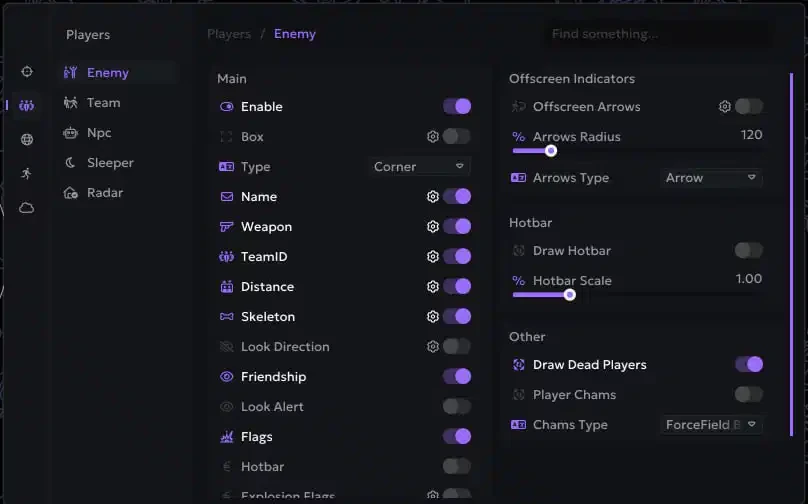
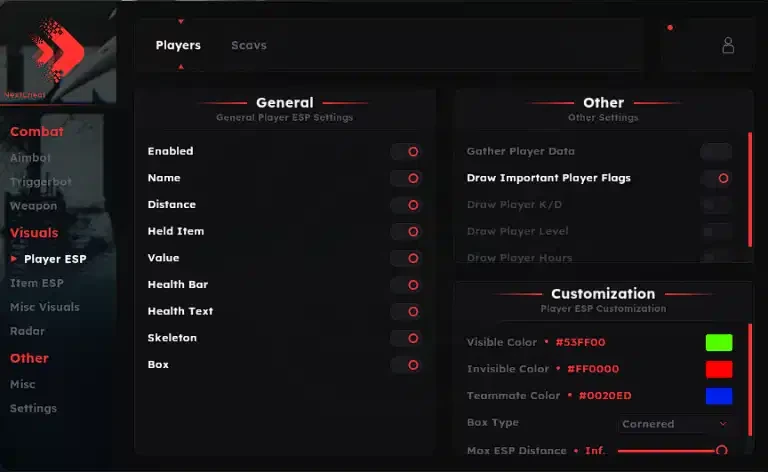
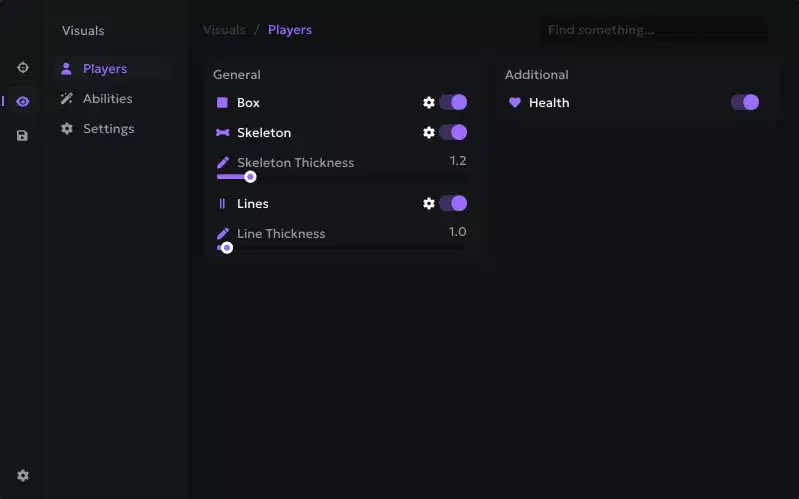
Box ESP (Corner, Default) - WH in the form of boxes
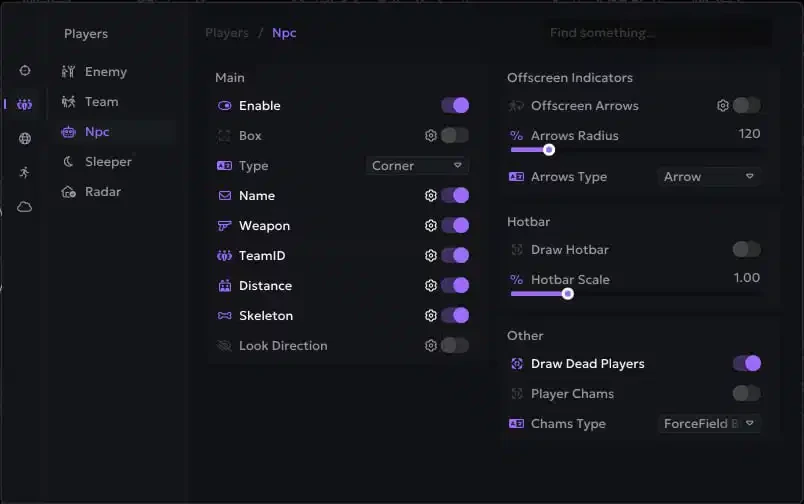
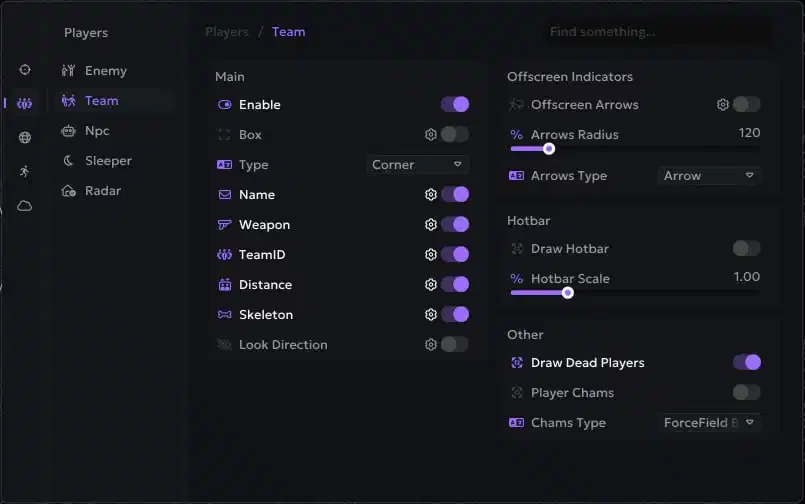
Players ESP - WH showing players with different visuals
Weapon (Name, Icon) - weapon in the target's hands, name and icon
Name - player nicknames and NPC names
Targets (Enemies, Teammates, NPCs, Sleepers) - separate WH settings for enemies, allies, NPCs and sleepers
Team ID - from the player's team, players from the same team have the same ID
Max Distance - ESP operating range
OOF Arrows - show players out of camera view using arrows
Look Direction - the direction of the characters' gaze
Custom Colors - customize colors for all Player ESP elements
Distance - distance in meters to ESP targets
Radar Hack (Players, Count, Colors, Size) - radar window with various settings
Skeleton - ESP in the form of skeletons
Show Belt Items - show players items in hot slots
Look Alert - warning if someone is looking at you
Player List - display the list of players in a separate window and on the radar
Explosive Flags - if the player has explosives, it will be shown on the screen
Player Chams (14+ Styles)
World ESP Red Glow - red glowing chams
Targets (Enemies, Teammates, NPCs, Sleepers) - separate settings of chams for different roles of characters
Bubble - chams with bubble texture
Gray Glass - chams with gray glass texture
Blue Glow - glowing blue chams
Purple Glow - purple glowing chams
White Electro - white shimmering electric chams
Fire - chams with a fiery texture
Pink - pink chams
Electric - shimmering electric chams
Bubble Second - Alternative Bubble Chams
Yellow Glow - yellow glowing chams
Yellow Glow Second - alternative yellow glowing chams
Ghost - ghostly transparent chams
Sun - brightly shining sun chams
World ESP
Enable - enable ESP for various objects
Object Name - names of displayed objects
Deployables (Sleeping Bag, Tool Cupboard, Small/Large Wooden Box) - deployable objects
Crates (Normal, Military, Elite, Bradley, Heli, Locked, Basic, Advanced) - containers (chests)
Distance - distance to resources
Ore (Stone, Metal, Sulfur) - display of ores
Animals (Horse, Wolf, Bear, Boar) - wild animals
Colors - choose colors to your taste
Traps (Turret, Gun Trap, Samsite, Landmine, FlameTurret) - various traps and turrets
Max Distance - range setting
Other (Dropped Items, Corpses, Supply Drop, Recycler, Tree Log, Loot Filter) - other things
Waypoints - the ability to create your own marks on the map using cheat
Transport (Minicopter, Chinook Heli, Rawboat, Rhib, Scrap Helicopter, Patrol Helicopter, Bradley APC, Bicycle, Motorbike)
Raids (Timer, Object Setup) - display raids in real time
Collectables (Hemp, Mushroom, Diesel Barrel, Berry Yellow/Blue/Red/White, Potato, Pumpkin, Corn) - collectibles in the world
Misc
Local Chams (Hand, Weapon, Style) - local player chams
Bright Caves - bright caves, light as in the open air
No Bob - disable weapon sway when moving
Last Death Position - Marks the last place of your death
Debug Camera (Speed, Key) - the ability to switch to free flight mode, helps to inspect the bases of potential victims
Fast Loot - allows you to quickly drag and drop items
Change Time - ability to set any time of day
Remove Layers - remove display of layers (water, buildings, sky, etc.)
Bright Night - bright night mode, bright as day
Farm Assist - help in farming, aim at the nearest X when you farm resources
Draw Closest Bonus - Show closest X for farming with ESP
Movement Exploits
Force Ladder - special movement animation
No Fall Damage - remove damage from falling from height
Shoot In Air - the ability to shoot while jumping
Omni Sprint - full speed running in any direction
Infinity Jump - endless jumps
Striptease Animation - moving with striptease animation, everyone sees it
NoClip (Key, Speed) - free flight mode, like a debug camera, but you actually move
No Player Collision - disables collision with players
No Head Collision - your head goes through textures
Fly Hack - allows you to fly
Others
Chinese Translation - Switch Ancient Rust cheat menu to Chinese
Battle Mode - enable battle mode (by pressing a key), disables all ESP except for players
Font Style - font settings for ESP
Panic Key - a key that will disable the cheat completely (when you are called for verification)
Friendship (Add Friend) - allows you to add players to your friends list (show them separately, exceptions for aim)
Aspect Ratio - Change the aspect ratio of an image in Rust
Crosshair (Gap/Lenth/Thickness/Dot Scale) - static crosshair in the middle of the screen and its settings
Automatic feedback after 7 days.
Automatic feedback after 7 days.
Automatic feedback after 7 days.
Automatic feedback after 7 days.
 Someone in US purchased
Rust Serenity External
Verified
Someone in US purchased
Rust Serenity External
Verified
Someone in DE purchased
Rust Serenity External
Verified
Someone in TR purchased
Rust Serenity External
Verified
Someone in TR purchased
Rust Serenity External
Verified
Someone in US purchased
Rust Serenity External
Verified
Someone in US purchased
Rust Serenity External
Verified
Someone in DE purchased
Rust Serenity External
Verified
Someone in TR purchased
Rust Serenity External
Verified
Someone in TR purchased
Rust Serenity External
Verified
Log in to your account
No matches here — press Enter to search everything.
Type to search products.