Exception Spoofer Guide
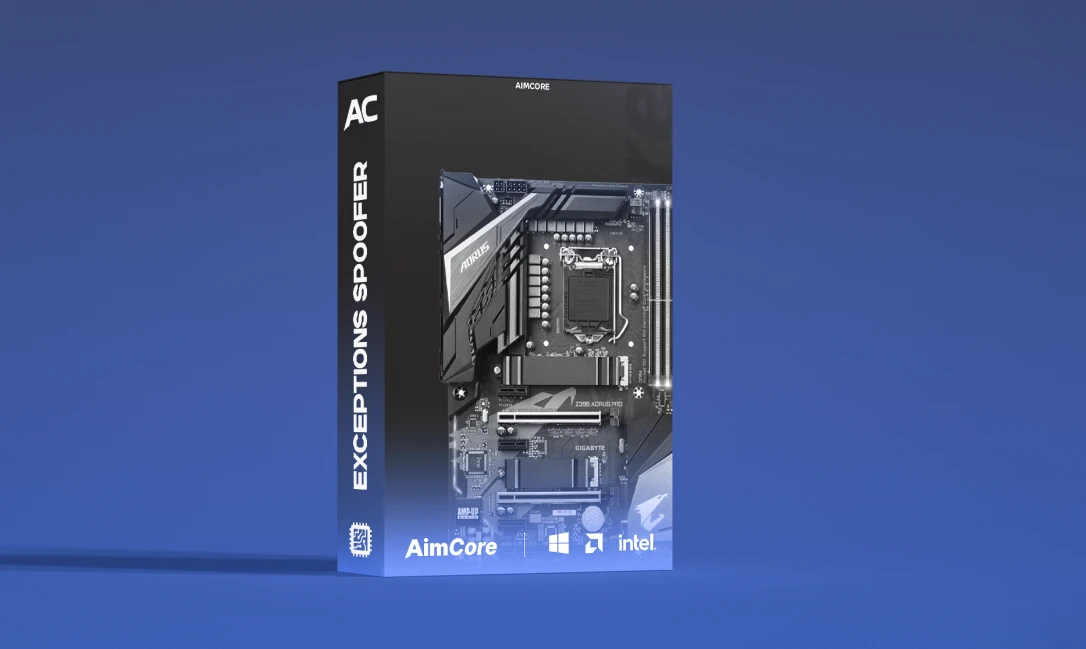
Welcome to the setup guide for Exception Spoofer. If you need to purchase a license, you can do so here: Buy Now
Important Safety Note Always run your cheat first and then the spoofer. Running the spoofer before the cheat will result in a ban.
Spoofing Capabilities
This spoofer covers the following hardware parts:
- Disk & USB IDs
- Monitor & Nvidia GPU
- RAM & Motherboard
- Network & EFI
Compatibility
- Anti Cheats: Easy Anti Cheat, BattlEye, ACE, MRAC, Ricochet, FiveM.
- OS Support: Windows 10 & 11 (Builds 19041 to 26100).
- Requirements: UEFI compatible firmware, NVMe (Non RAID) or SATA (AHCI).
Installation Requirements
Before starting, ensure you have completed these steps:
- Disable all Anti Virus software.
- Install the Visual C++ Runtimes.
How to Install
- Register: Visit the official website and create an account.
- Activate: Go to your profile page and enter your license key in the Active Key section.
- Download: Click Download loader once your key is active.
- Run: Open the downloaded loader to begin the process.
Troubleshooting & Error Codes
Error #3B000000
- Disable Core Isolation and Memory Integrity in Windows Defender settings.
- Open CMD as Admin and run: bcdedit /set hypervisorlaunchtype off
- Restart your PC and ensure Vanguard/Faceit are deleted.
Error #3090000
- You must disable Intel VT-X (Virtualization Technology) or AMD SVM in your BIOS settings.
Initialization failure (#37140000)
- You must completely uninstall the following anti cheats:
- FaceIt
- Vanguard
- ESEA
- Restart your PC after removal.
Error: Exception (Code 0x6Ba)
- Update all drivers (GPU, chipset, storage).
- Run a system scan in CMD: sfc /scannow
- Revert any unstable overclocks to default settings.
Error #3C000101
- Your Windows build is too old. The minimum supported version is build 19041.
Further Assistance Need more help? Visit our main page at aimcorecheat.mysellauth.com or contact support.