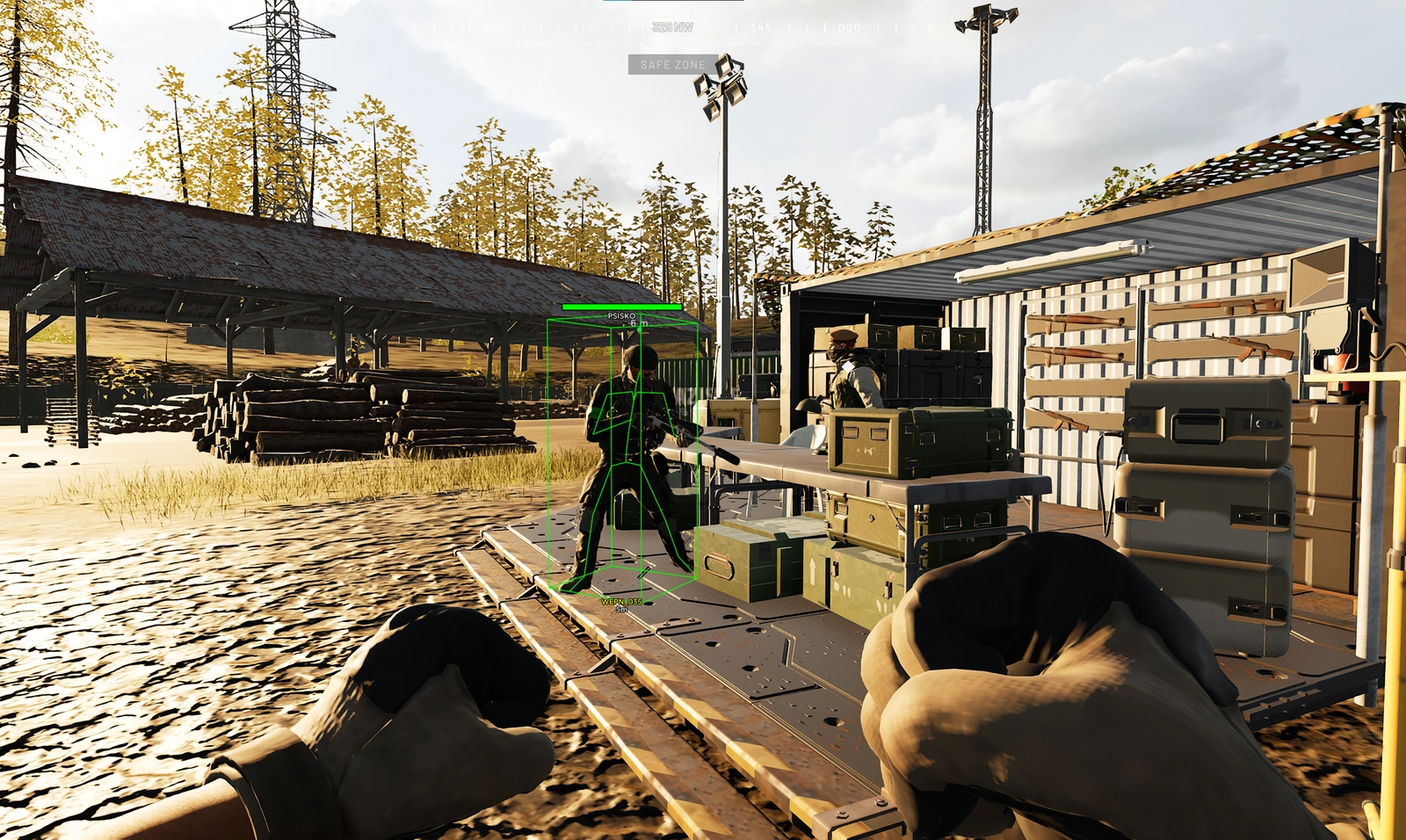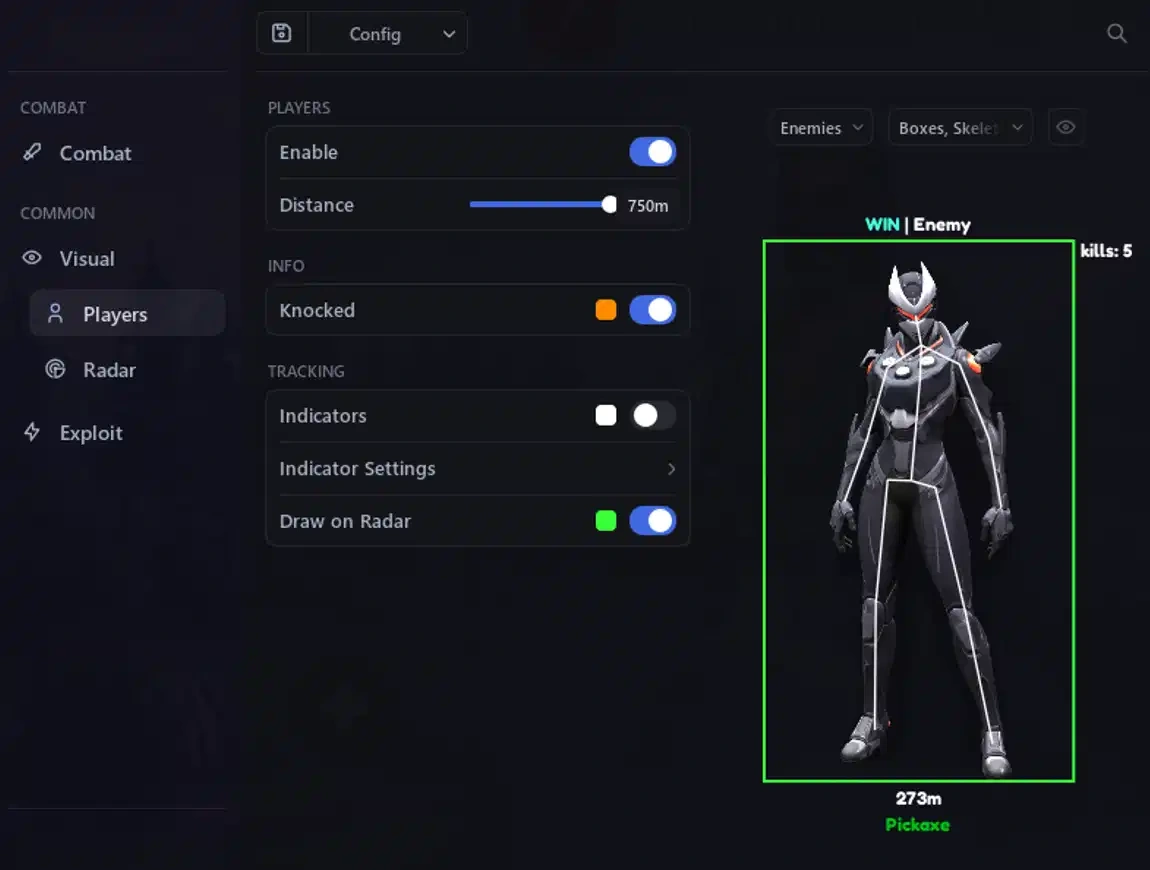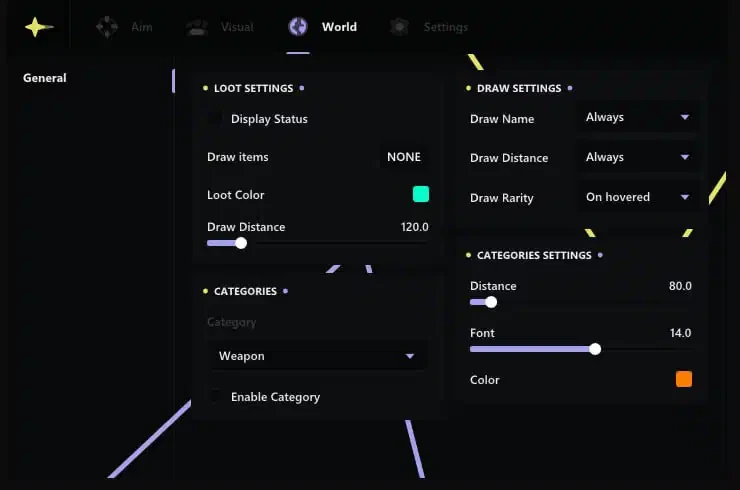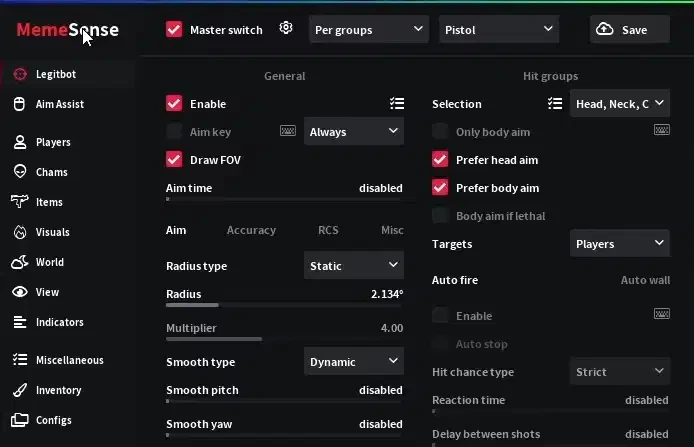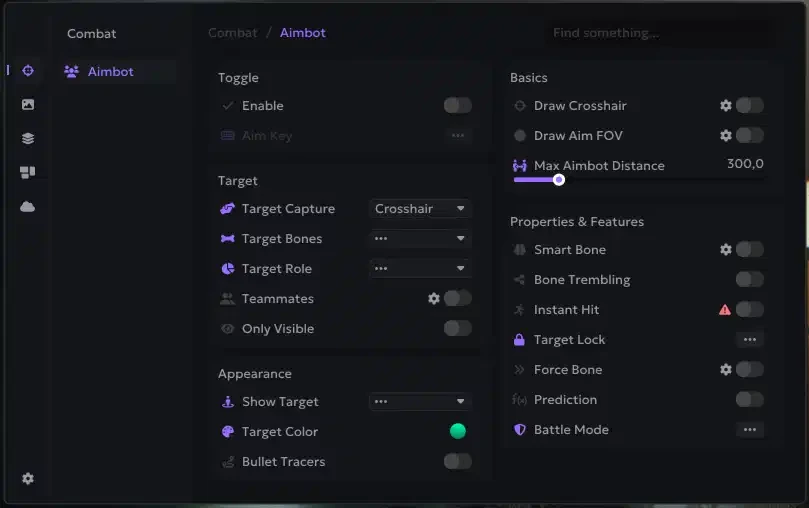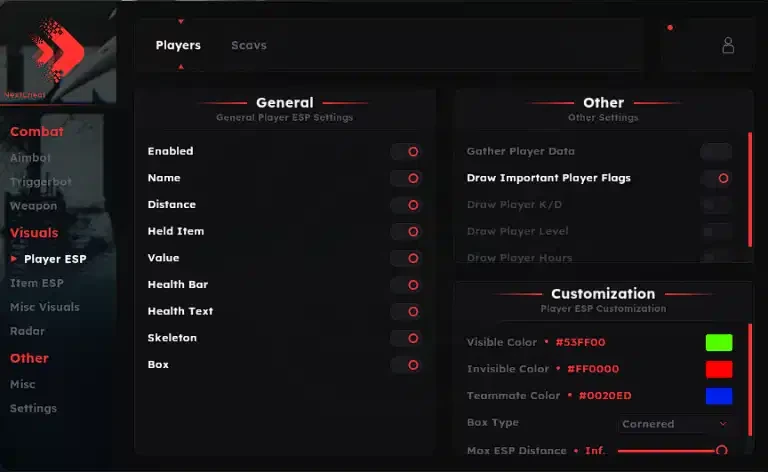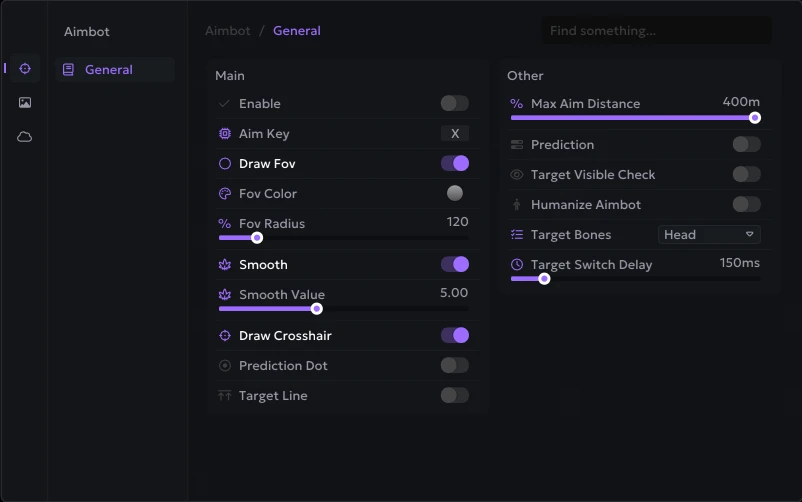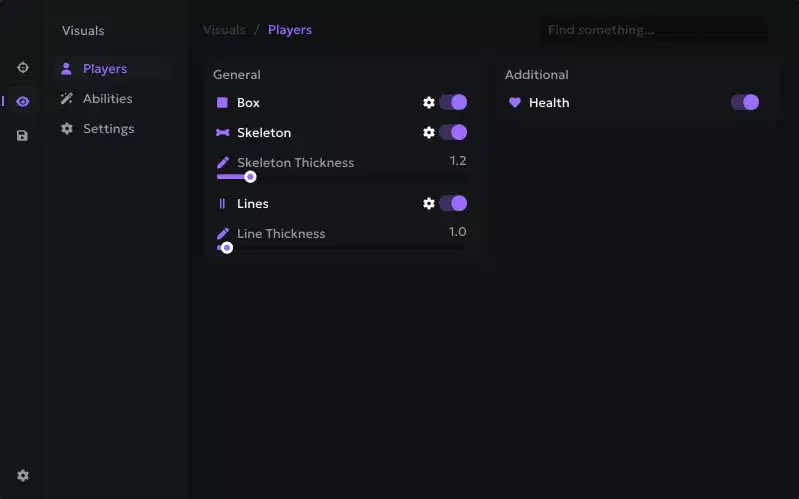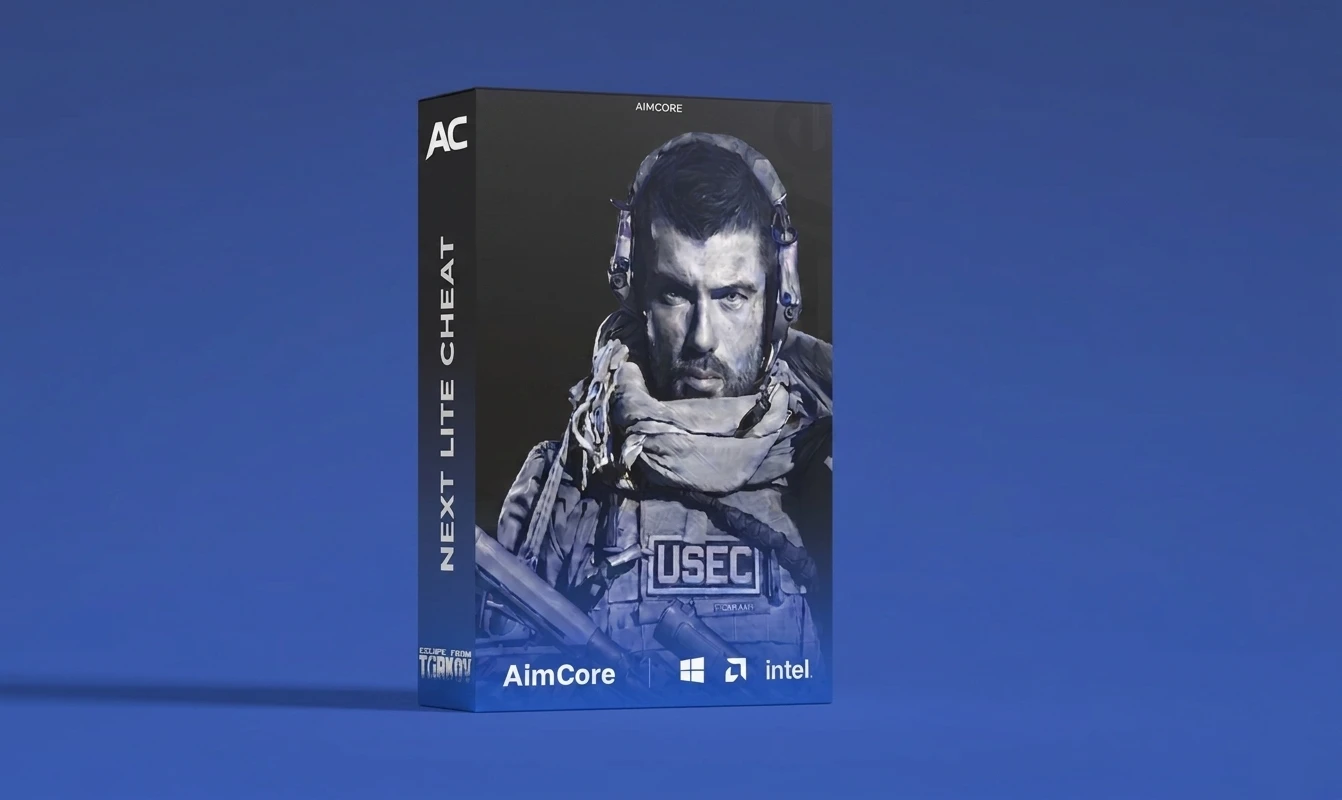
Welcome to the official setup guide for EFT Next Lite Internal for Escape from Tarkov. If you need to purchase a license, you can do so here: Buy Now
Important Safety Note If you choose to use an additional external spoofer alongside this cheat, always run the cheat first and then the spoofer. Running the spoofer before the cheat will result in a ban.
Key Features & Security
- Internal Performance: Designed for smooth rendering, high FPS, and optimal in-game responsiveness.
- Built-in Dual Spoofer: Includes integrated BSG and BattlEye spoofer protection to bypass hardware bans seamlessly.
System Requirements & Required Files
System Requirements
- OS: Windows 10 (Version 1903+) or Windows 11 (Up to Version 25H2)
- BIOS: Virtualization enabled (VT-x / AMD-V)
- Security: Secure Boot disabled in BIOS
Required Files Download and install these components before starting:
- Disable Windows Defender & Antivirus
- Download Loader
- https://loadergen.com/download
- Visual C++ Runtimes
- DirectX End-User Runtime
Quick Start Guide
- Get Your Key: Copy the product key sent to your email upon purchase.
- Install Loader: Download the loader file and run it as Administrator.
- Register: Sign up or log in using your license key inside the loader.
- Inject: Navigate to the Injection tab, click Load, wait for the countdown to complete, and then launch Escape from Tarkov.
Loader Navigation Overview
- Products: View your active cheat subscriptions.
- Risk Status: Monitor real-time game safety and detection status.
- Settings: Configure built-in spoofers and diagnostic tools.
Built-in Spoofer Management
Escape from Tarkov utilizes two distinct ban levels. The cheat includes handling for both:
- BSG Launcher Ban (Rare): Navigate to the Settings tab in the loader and install the BSG spoofer once. After receiving a launcher ban, press the HOME key at the launcher login screen to rotate your HWID.
- BattlEye Ban (Common): BattlEye spoofing operates automatically and rotates your HWID every time you launch the cheat. Be sure to generate a new seed whenever you switch EFT accounts.
WARNING: If you are HWID banned, never run Escape from Tarkov without launching the cheat first. Doing so will expose your real HWID to BattlEye.
Configuration & Gameplay Safety
Config Import & Export
- Export Config: Click the export button in the cheat menu to copy your current config to your clipboard. Share it anywhere using Ctrl + V.
- Import Config: Copy a config string, click the import button in the menu, and save it to your file.
Safety Tips & Account Protection
- Balance Your Stats: Keep your headshot percentage, PMC/Scav kill ratios, and overall K/D realistic.
- Limit PMC Kills: Aim for a maximum of 10 PMC kills per hour. Exceeding this threshold significantly increases automated ban risks.
- Play Naturally: Minimize user reports by avoiding unnatural movements or clear lock-on plays.
- Account Age: Older accounts and accounts with EOD / Unheard status generally receive fewer report flags.
- Aggressive Features: Certain high-risk features may trigger server-side detection—use them cautiously.
Troubleshooting & Crash Reporting
General Fixes
- Windows Security: Disable Windows Defender completely using DControl.
- Core Isolation: Disable Memory Integrity under Windows Security > Device Security > Core Isolation.
- Conflicting Anti-Cheats: Completely uninstall third-party anti-cheat drivers such as FACEIT or Riot Vanguard.
Handling Blue Screen (BSOD) Crashes
- Enable memory dumps in Windows via Control Panel > System > Advanced > Startup and Recovery.
- After a crash occurs, locate the dump file at C:\Windows\MEMORY.DMP.
- Upload the file to a cloud provider (WeTransfer or Mega.nz) and share the link in a support ticket.
Handling In-Game Crashes
- Enable Crash Dump Mode in the loader settings (do this only when requested by support).
- After a crash occurs, find BsgCrashDump.dmp inside your main Escape from Tarkov installation folder.
- Upload the crash dump file to Mega.nz or Workupload and attach it to your support ticket.
- Disable Crash Dump Mode in the loader once finished.
Custom Font Setup
- Rename your desired font file to font.ttf.
- Place font.ttf directly into your main Tarkov directory alongside EscapeFromTarkov.exe.
- Enable custom fonts in the cheat menu before joining a raid.
Need more help? Check out our blog at aimcorecheats.com/blog or open a support ticket.