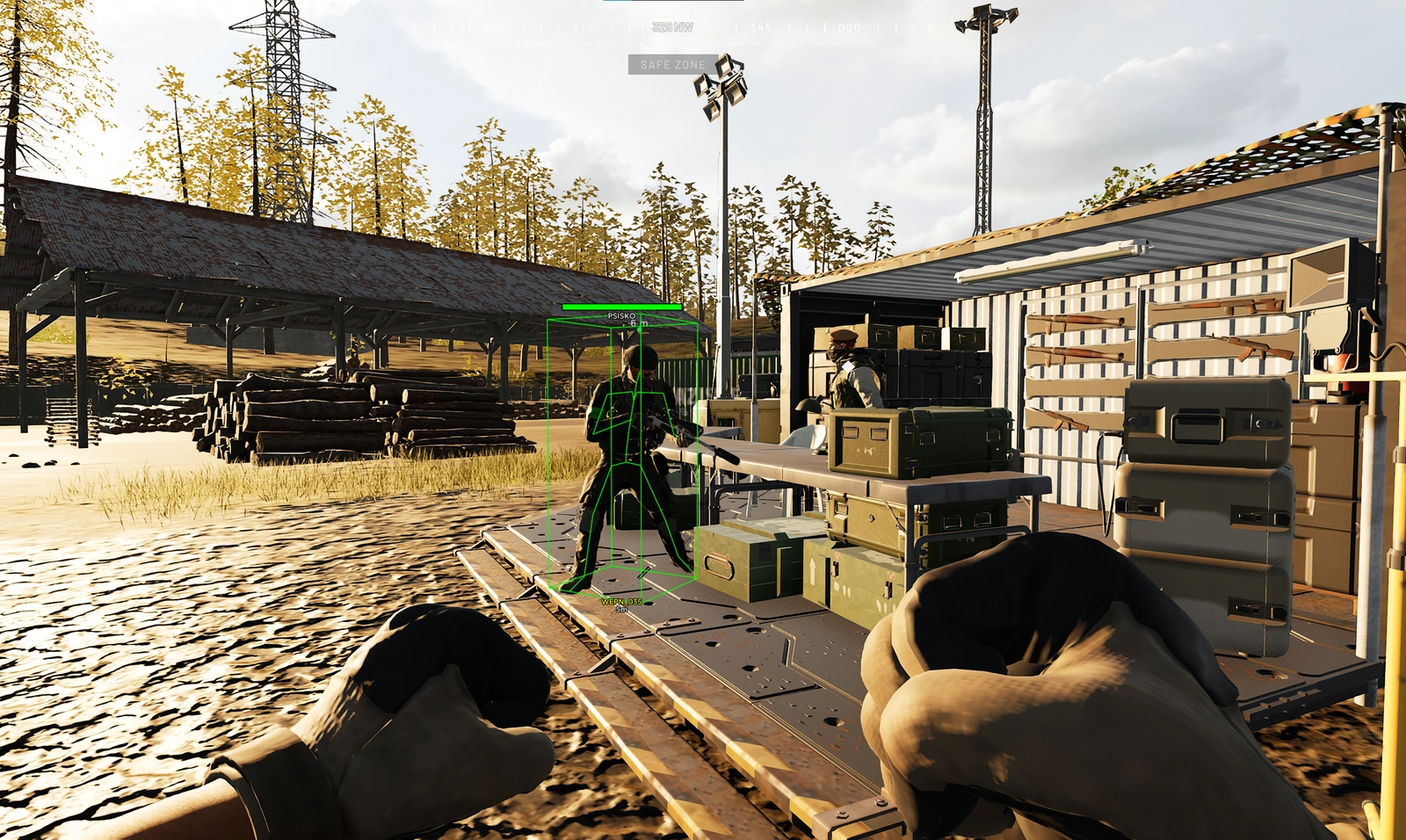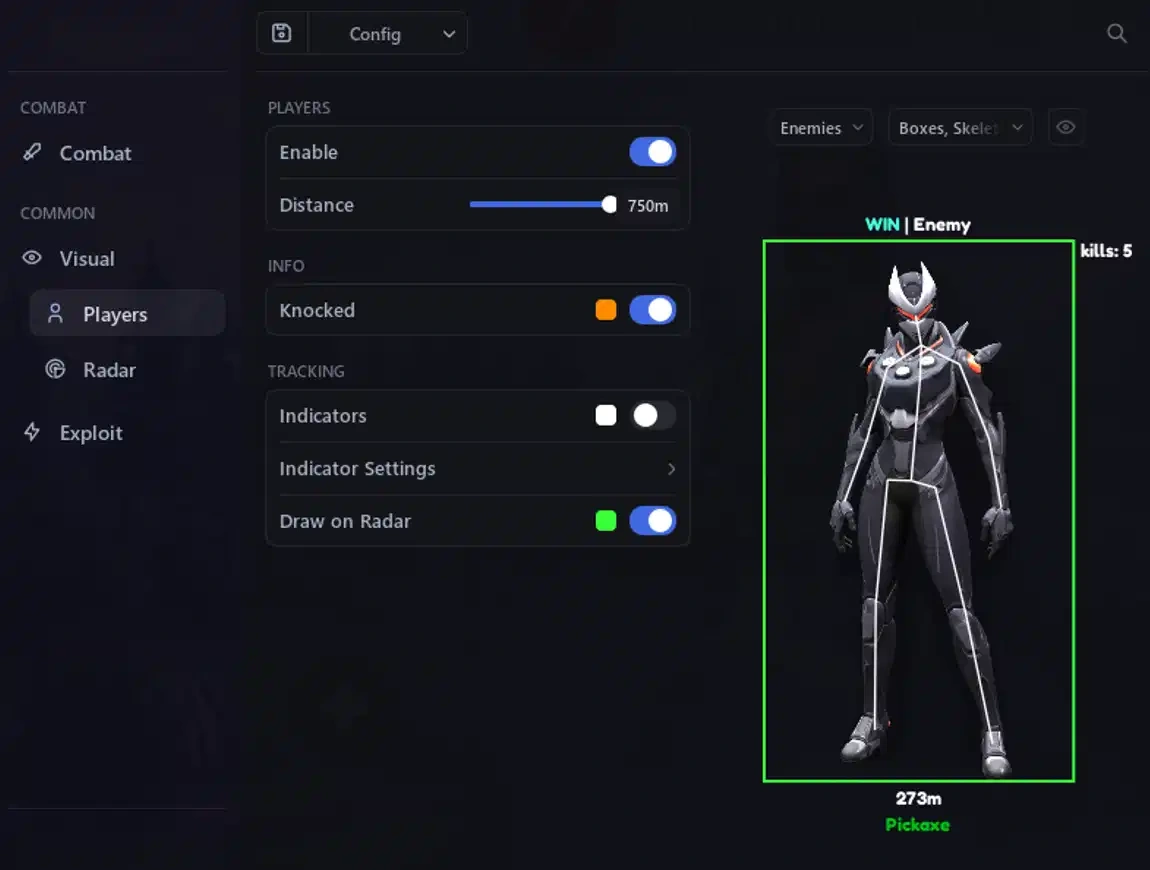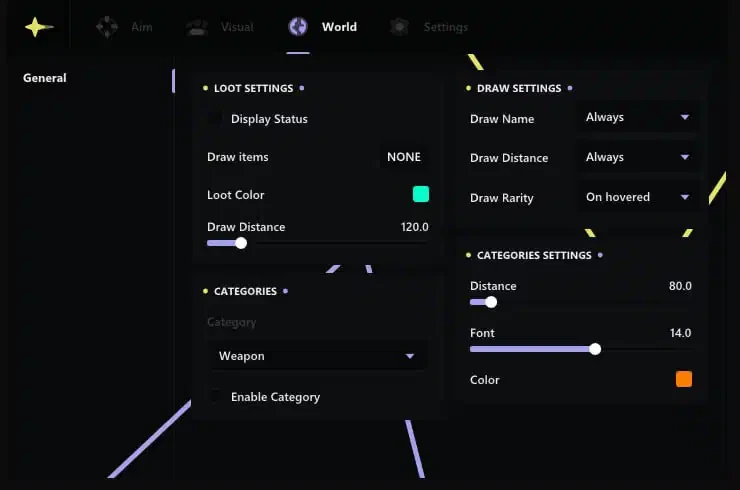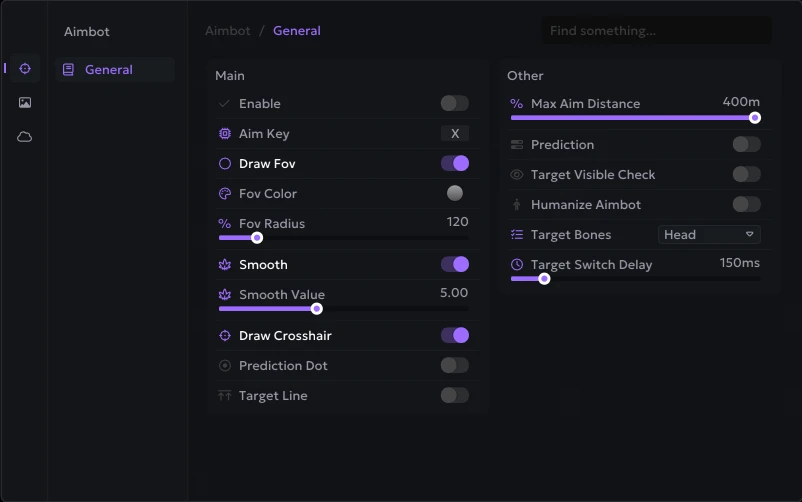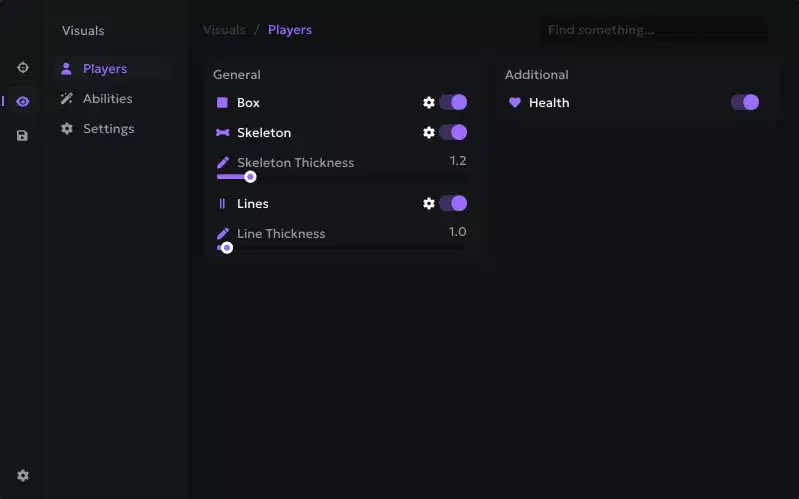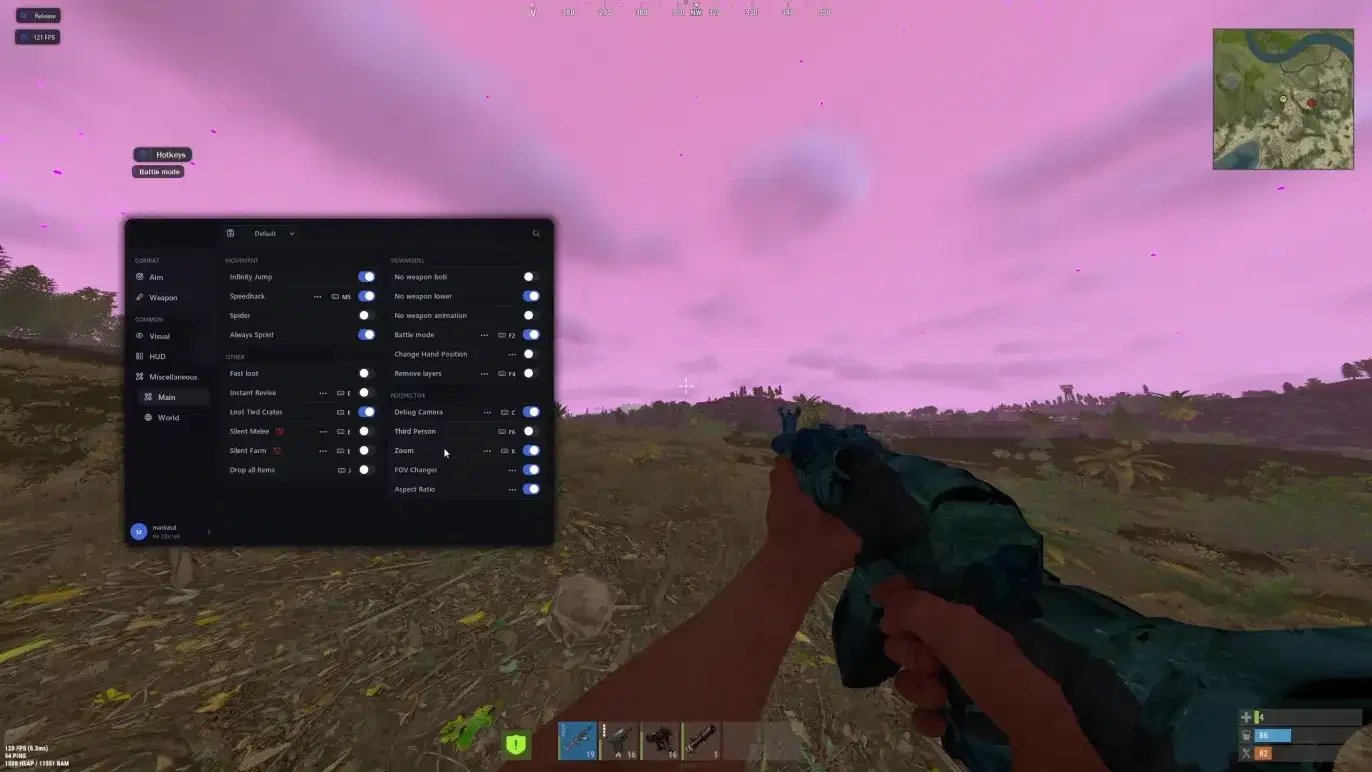
Welcome to the official setup guide for Rust Lucent External. If you need to purchase a license, you can do so here: Buy Now
Important Safety Note If you are using an additional external spoofer, always run the cheat first and then the spoofer. Running the spoofer before the cheat will result in a ban.
Security Information
- External Undetection: Runs externally to provide maximum security and minimal detection risk.
- No Built-in Spoofer: This product does not include an integrated spoofer. If you have an active hardware ban (HWID), you will need a separate spoofer to play.
- Get a Spoofer: Buy External Spoofer
System & BIOS Configuration
Before launching the loader, you must configure your system settings:
- Hyper-V: Must be enabled in Windows features.
- BIOS Mode: UEFI mode enabled.
- Secure Boot: Disabled in BIOS settings.
- Virtualization: Enabled in BIOS (SVM for AMD / VT-X for Intel).
Required Files
Download and install these components before starting:
Step-by-Step Setup & Injection Process
- Initial Drivers Setup: Open the loader, paste your license key, click Inject, wait for completion, and reboot your PC.
- Pre-Launch Check: Ensure Rust is completely closed and not running in the background.
- Run Loader: Open the loader again (run from a USB drive if required for your build).
- Second Injection: Press Inject and wait for the popup window with the message
"Waiting for game". Click OK. - Launch Game: Start Rust immediately and do not switch or minimize the game window.
- Automatic Loading: The cheat will attach automatically. Wait for the menu to appear and listen for the confirmation beep sound.
- Menu Toggle: Press the DELETE key to open or close the menu in-game.
Troubleshooting & Error Fixes
Cheat Isn't Working At All
- Make sure all third-party anti-cheats (such as FACEIT AC or Riot Vanguard) are completely uninstalled from your PC.
Loader Constantly Asks for Reboot
- Verify that your Windows version is supported. We strongly recommend installing Windows 10 Pro 22H2 for maximum compatibility.
Blue Screen (BSOD) Error
- Blue screens during injection or gameplay mean security drivers are blocking the cheat. Ensure your antivirus is completely turned off or uninstalled.
Hyper-V is Missing in Windows (e.g., Windows Home Edition)
- Download the Hyper-V enable batch script.
- Right-click the
.batfile and select Run as Administrator. - Wait for the script to finish executing, then reboot your PC.
PC Reboots 2–3 Times in a Row
- Open Command Prompt (CMD) as Administrator.
- Enter the following command:
DOSbcdedit /set hypervisorlaunchtype auto
- Press Enter and restart your PC.
Need more help? Check out our blog at aimcorecheats.com/blog or open a support ticket.