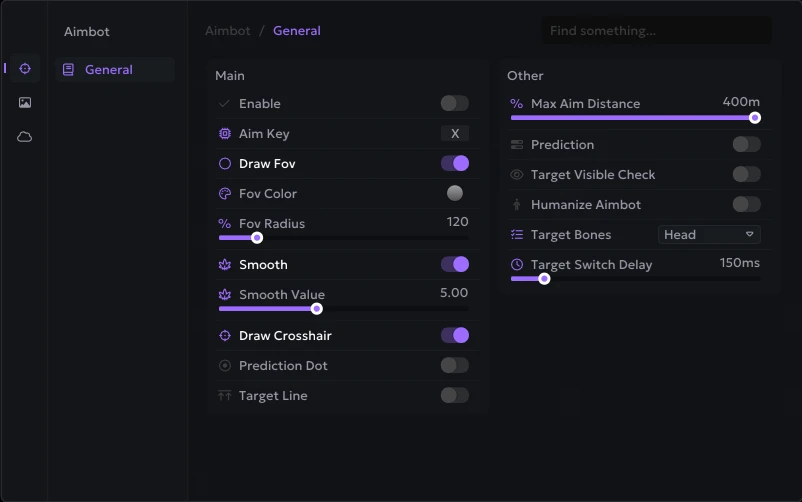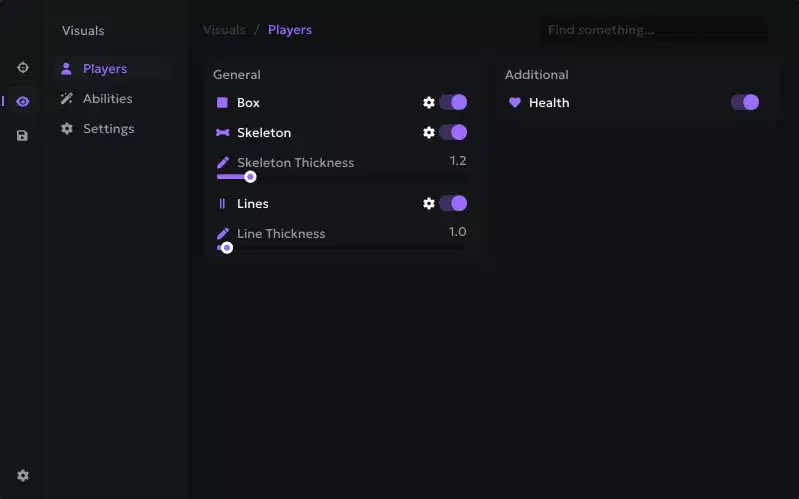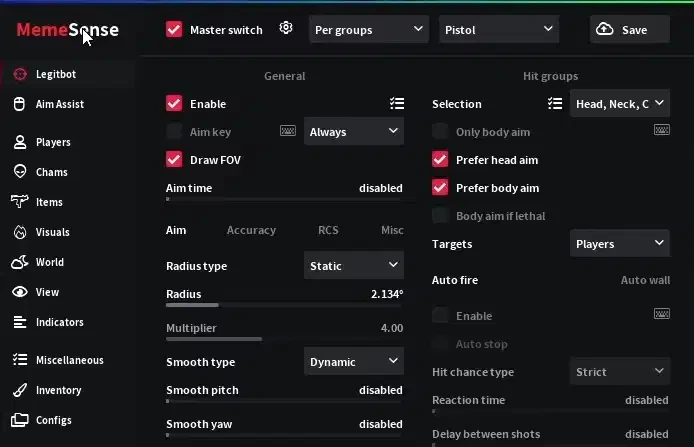
Welcome to the setup guide for Memesense Internal. For peak performance and seamless integration in CS2, follow the steps below. If you need to purchase a license, you can do so here: Buy Now
Internal Advantage Internal products are optimized for better performance and higher FPS, as they run directly within the game process.
Required Files & Preparation
Download and install these components before starting the process:
Registration and Setup Process
Step 1: Account Registration Go to the official Memesense Registration Page and create an account with a valid email address.
Step 2: Activate Your Product Key After verifying your email, navigate to the Activation Keys Page on the Memesense website. Enter the product key you purchased from us to activate your subscription.
Step 3: Download the Launcher
How to Use
To ensure a successful injection, follow these steps in the exact order:
- Close CS2: Ensure the game is completely closed and not running in the background (check Task Manager).
- Run as Admin: Right-click the Memesense launcher and select Run as administrator.
- Login: Use your website credentials to log in.
- Load: Configure your settings or select the CS2 cheat.
- Start Game: Launch Counter-Strike 2. The menu should now be active.
Troubleshooting & Error Fixes
Menu Not Displaying or Flickering
Memesense requires the Steam Overlay to function. Ensure it is enabled in both locations:
- Global: Steam > Settings > In-game > "Enable the Steam Overlay while in-game."
- Game Specific: Right-click CS2 in Library > Properties > General > "Enable the Steam Overlay while in-game."
"A debugger has been found running in your system"
- This is often caused by antivirus sandbox drivers. Ensure all third-party antivirus software is completely closed.
- If no antivirus is present, ensure Hyper-V is disabled in Windows Features.
Client Not Opening?
- Try enabling UAC (User Account Control) to its default setting (one notch from the top) and restart Steam.
Known Software Conflicts
The following programs may interfere with the internal rendering:
- Discord Overlay (Disable this!)
- Fraps / SweetFX
- NZXT CAM
- HitmanPro.Alert
Need more help? Check out our blog at aimcorecheat.mysellauth.com/blog or open a support ticket.