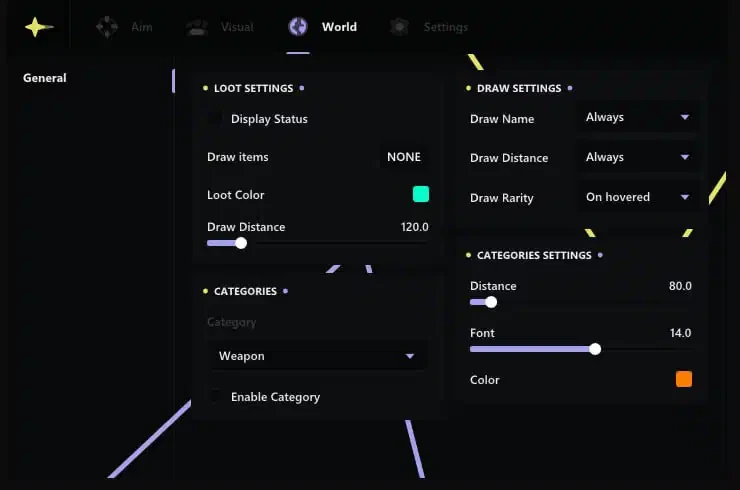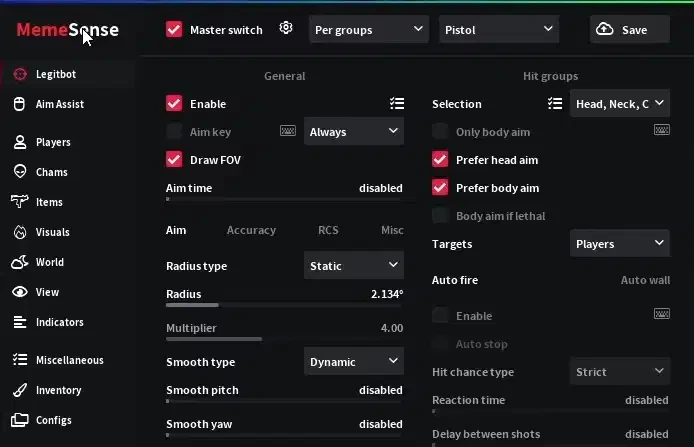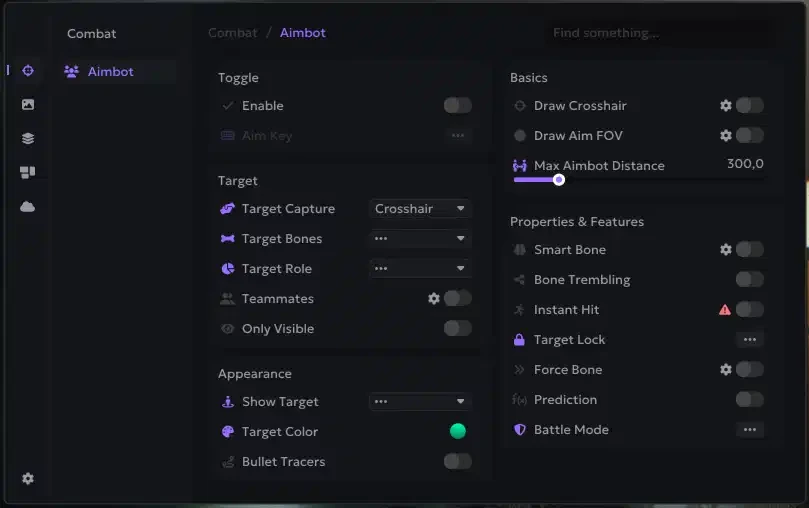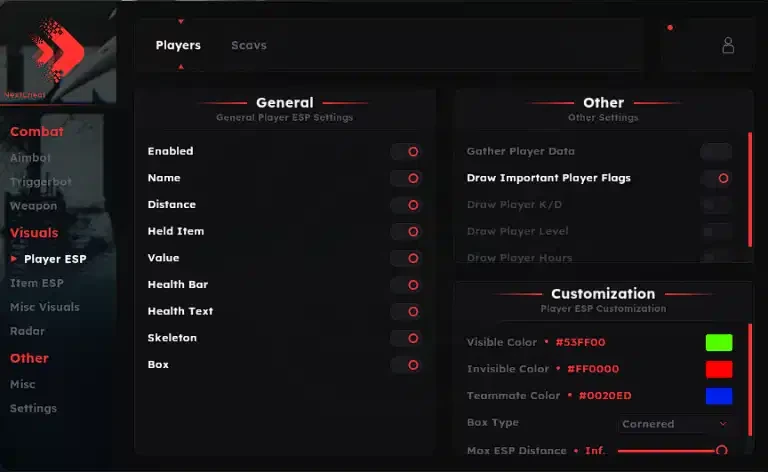
Arc Raiders Nemesis External Setup Guide
Welcome to the setup guide for Arc Raiders Nemesis. If you need to purchase a license, you can get it here: Buy Now
Important Requirement Before starting, you must ensure that your Antivirus (Windows Defender or third party) and Firewall are completely turned off. Use DControl to disable Windows Defender. When properly disabled, the tool will show a RED status.
System Requirements
- OS: Windows 10 & 11
- DirectX: Version 12
- Display Mode: Game must be set to Borderless
- Anti Cheat Cleanup: You MUST uninstall Riot Vanguard and Faceit from your PC.
Required Files
Download and install these components before running the loader:
Quick Start Instructions
- Create Account: Sign up on the Loader Website and redeem your license key.
- Download: Get the loader from your dashboard.
- USB Setup: Drag the loader onto a USB drive (physical or virtual).
- Run Loader: Launch the loader as Administrator directly from the USB.
- Login: Enter your account credentials.
- Inject: Press continue to begin the injection process.
- Launch Game: After the "successfully injected" message appears, eject your USB and start Arc Raiders.
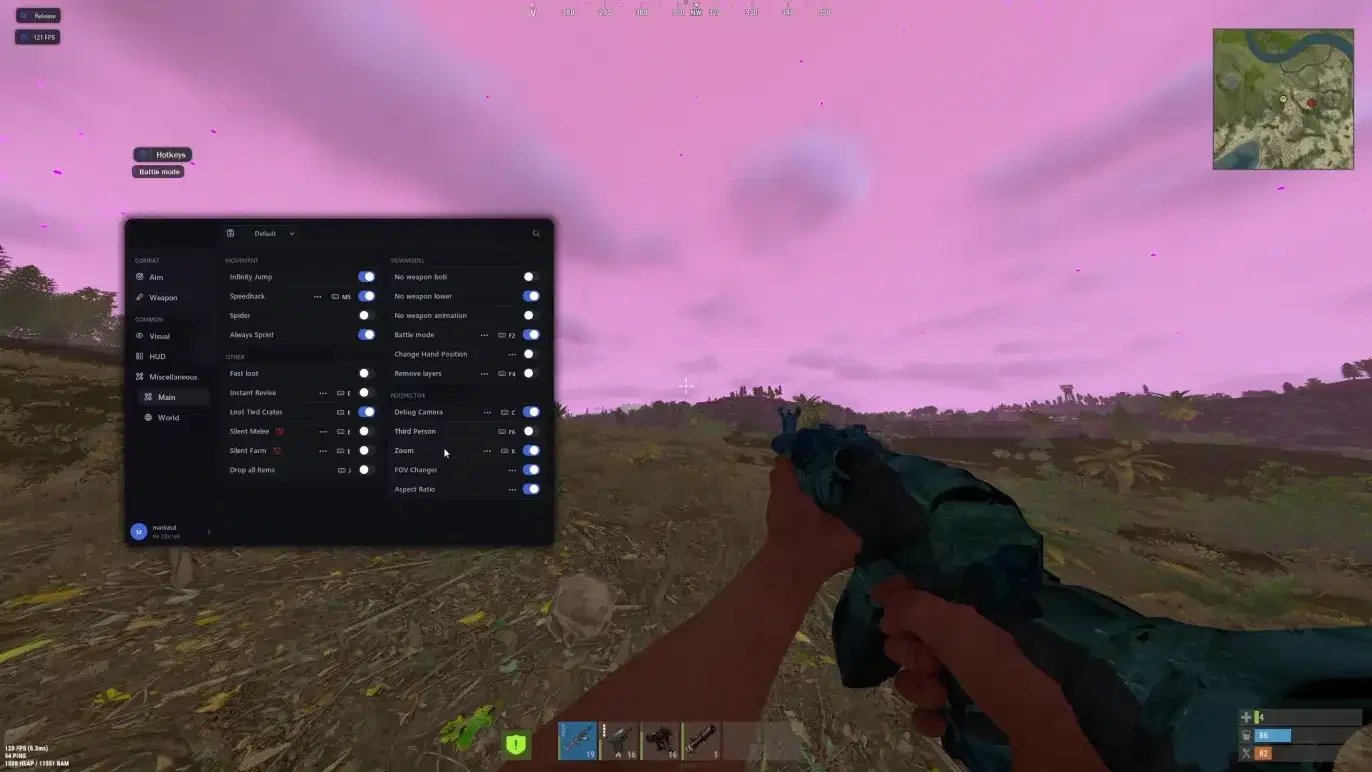
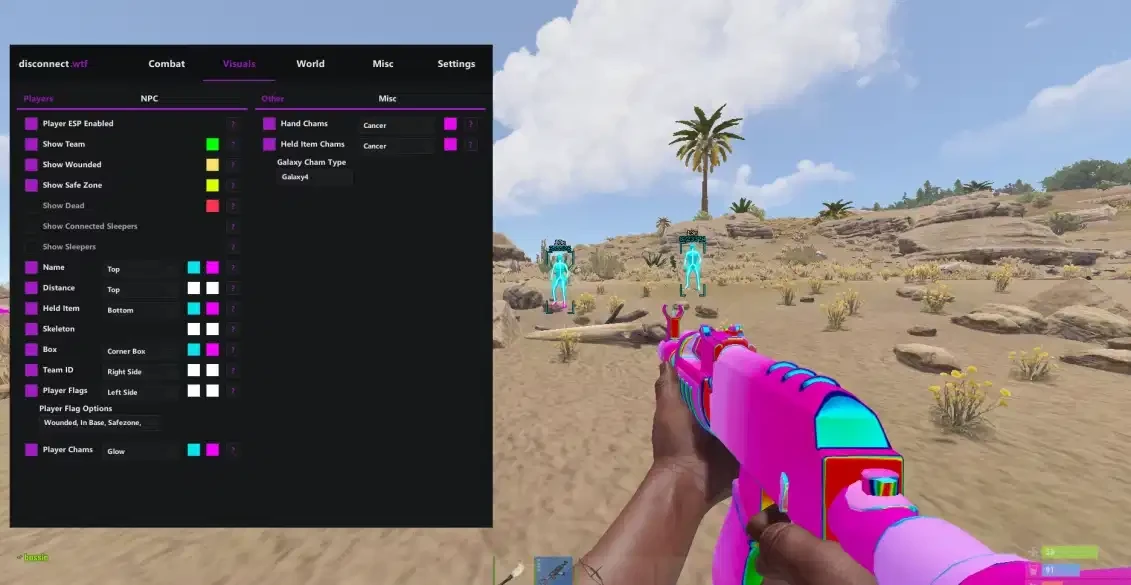
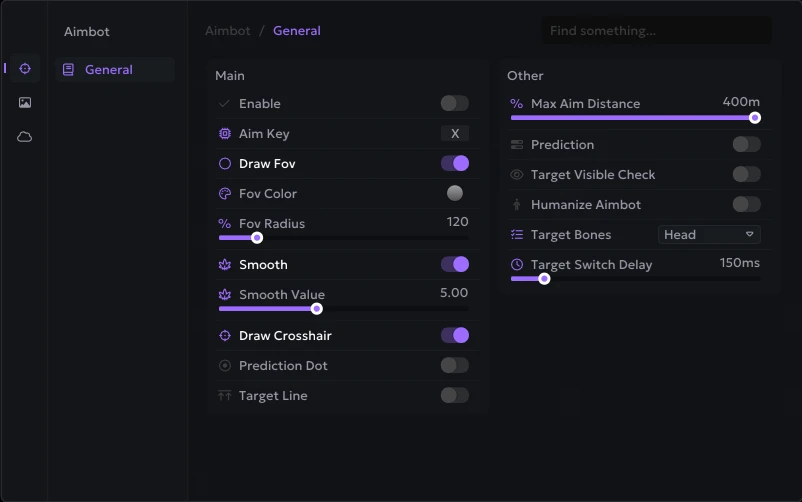
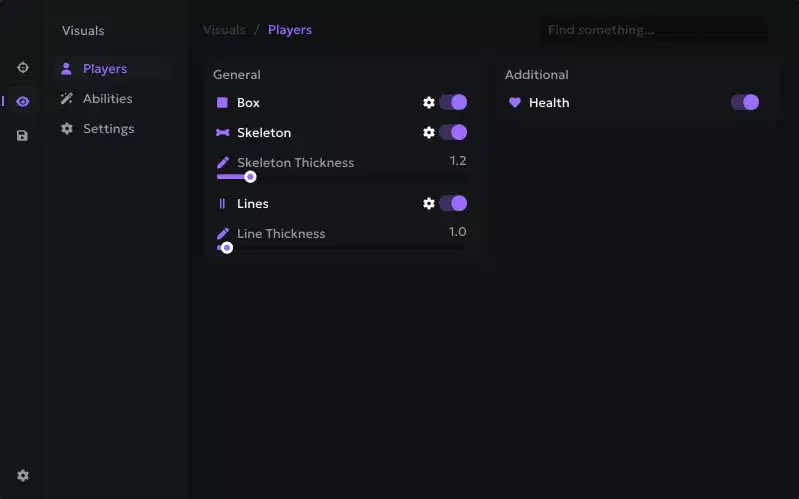
- Menu: Press the INSERT key to open the menu.
Troubleshooting Guide
Failed to retrieve interface?
- Double check that all antivirus and anti cheats are uninstalled.
- If the error persists, disable Memory Integrity in Windows security settings.
Unreal Engine Crash Error
- Ensure the game is in Borderless mode and using DirectX 12.
- Navigate to:
steamapps\common\Arc Raiders\PioneerGame\Binaries\Win64 - Find and delete the file:
amd_fidelityfx_dx12.dll - Restart the injection process.
ESP Freezing (only works when tabbing out)
- Confirm your game window mode is set to Borderless.
Bad Request Error during login
- Right click your taskbar clock and select "Adjust date and time".
- Click the Sync now button.
- If it fails, run CMD as Admin and type:
w32tm /resync
Connection Error or Loader won't open
- Use a VPN to bypass network restrictions. We recommend Cloudflare WARP.
Menu not showing up
- Ensure you are playing on the Steam platform.
- Disable all external overlays but make sure the Steam Overlay is enabled.
- Wait a few minutes in the main menu for the overlay to load.
Game won't launch after injection
- Find
pioneergame.exein your Steam folder. - Right click, go to properties, and ensure Run as administrator is DISABLED for this file.
Need more help? Check out our blog at aimcorecheat.mysellauth.com/blog or open a support ticket.