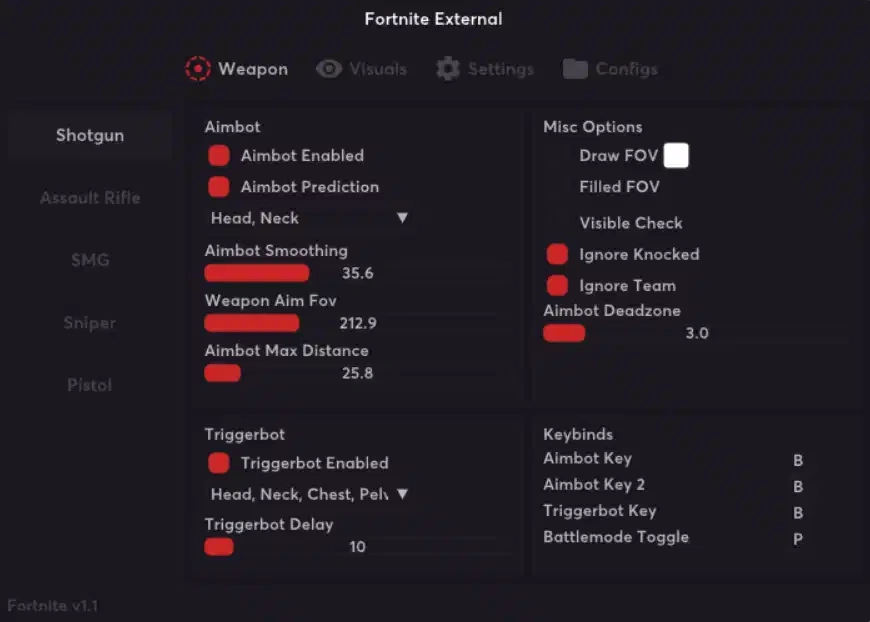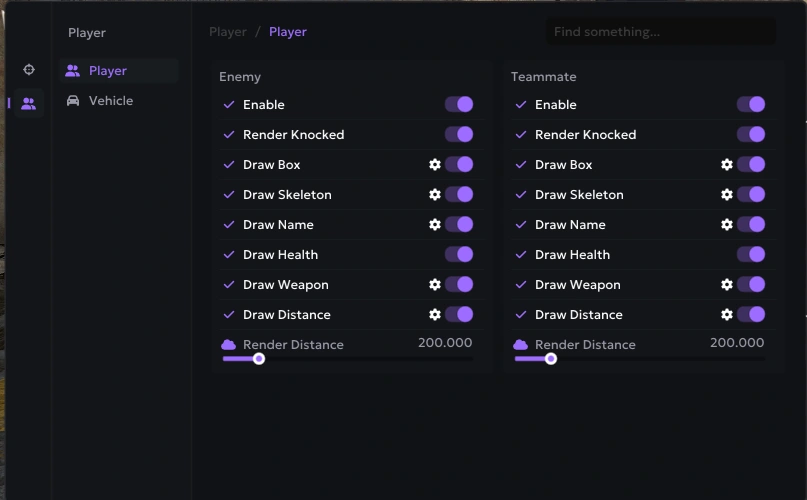
Required Files
Download all required files before starting:
Easy Setup
1. Create an Empty File
Create an empty folder anywhere on your PC.
2. Move Files
Put all loader files into this empty folder.
3. Run as Administrator
Right-click the loader and choose:
Run as administrator
! This is required for the loader to work properly. !
4. Wait for the Loader
The loader may take 2–3 minutes to open sometimes.
This is normal.
Please be patient and do not close it.
5. Spoofing Complete
When you see:
"Loader Spoofed"
You can safely close the loader.
6. Start the Game
Now launch your game and play.
Need more help? If you encounter any specific errors, please visit our main blog at aimcorecheat.mysellauth.com/blog or open a support ticket.