R6X Serenity External Guide
Welcome to the setup guide for R6X Serenity External for Rainbow Six Siege. If you need to purchase a license, you can do so here: Buy Now
Important Safety Note If you choose to use an additional external spoofer alongside this cheat, always run the cheat first and then the spoofer. Running the spoofer before the cheat will result in a ban.
Key Features
- External Undetection: Designed to run outside the game process for maximum security.
- Built-in Spoofer: This product includes an integrated spoofer. If you are hardware banned, this tool will allow you to bypass it easily without extra software.
Installation Requirements
System Requirements
- CPU: Must support AES instruction set
- BIOS: SVM / VT-X enabled
- RAM: 16GB minimum
- Compatibility: Intel and AMD CPUs
- OS: Windows 10 & 11 (Versions 1809 to 25H2)
Required Files Download and install these components before starting:
- Disable Windows Defender & Antivirus
- Download the Loader
- Visual C++ Runtimes
- DirectX End-User Runtime
- Overlay Setup
Display & Overlay Setup
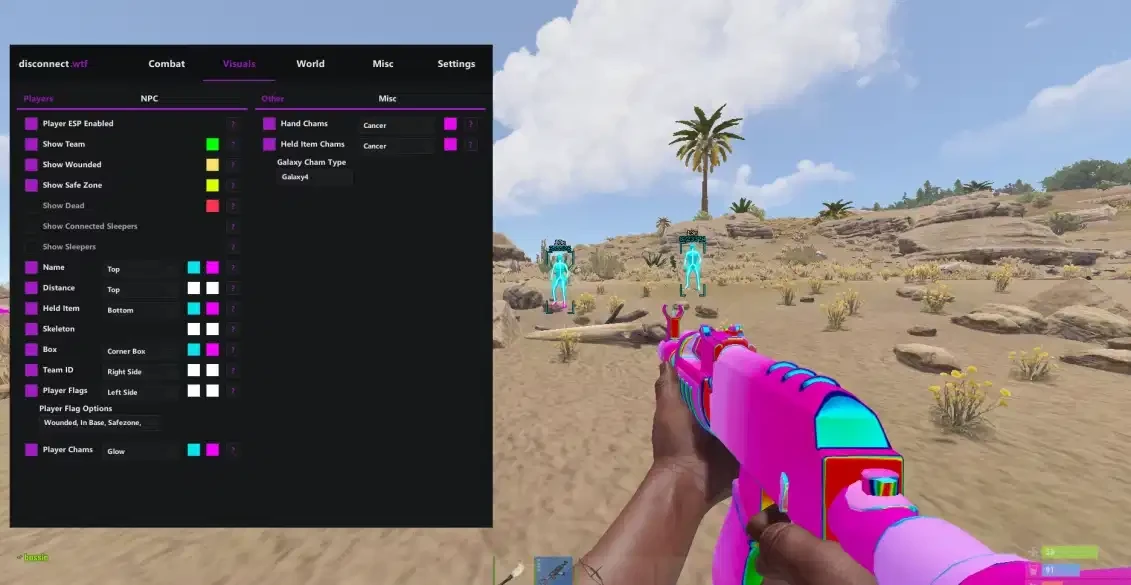
This cheat uses external overlays to display the menu and ESP.
NVIDIA GPU Setup
- Compatible with the NVIDIA App (Overlay enabled) or SteelSeries.
AMD GPU Setup
- Only compatible with SteelSeries. Ensure SteelSeries is installed and the "Moments" feature is configured.
Pre-Launch Checklist
- Disable all antivirus and real-time protection.
- Launch the loader as Administrator.
- Insert your license key.
- Press Inject and wait for the loader to close automatically.
- Start Rainbow Six Siege.
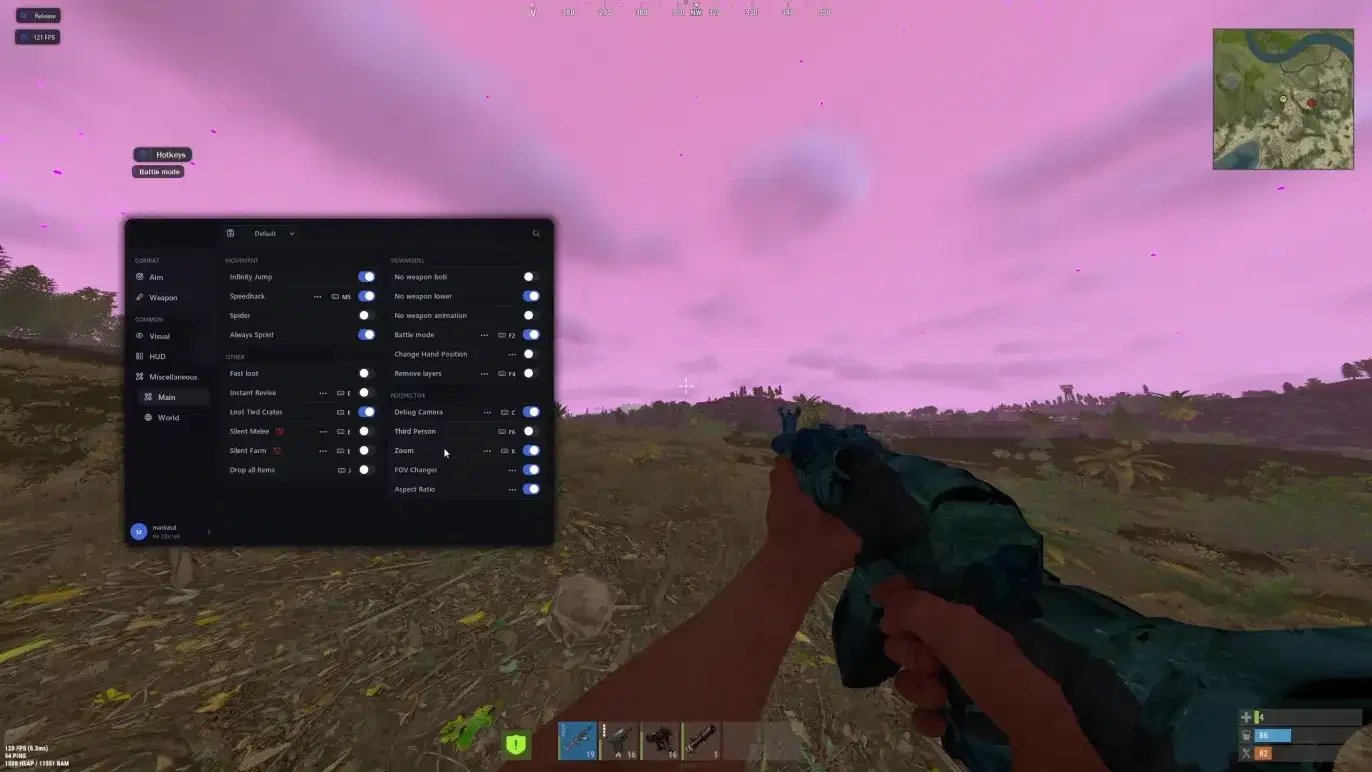
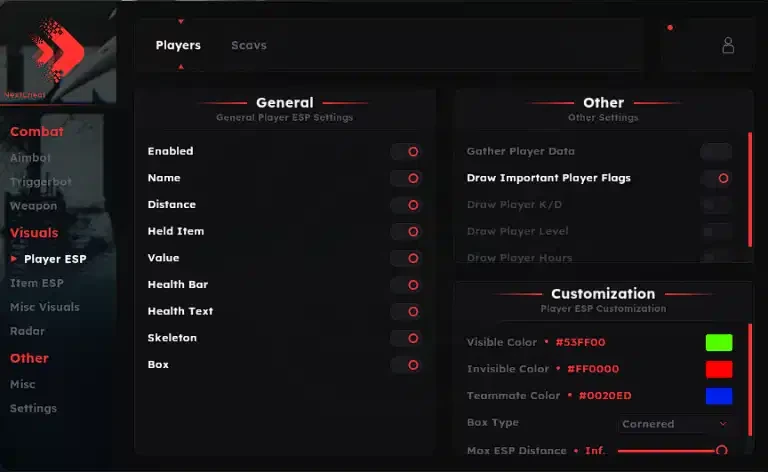
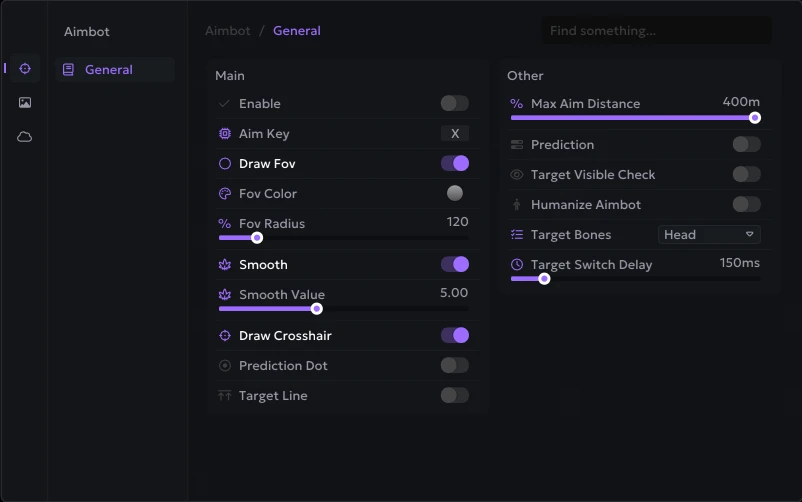
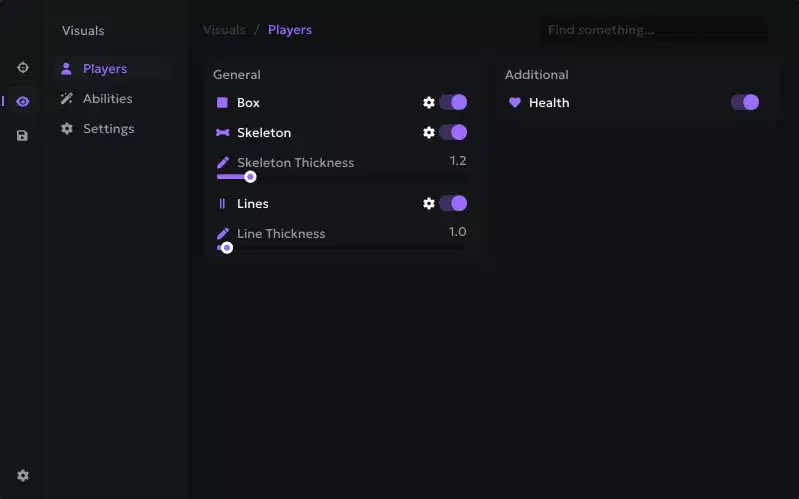
- Access the menu in-game by pressing the INSERT key.
Need more help? Check out our blog at aimcorecheat.com/blog or open a support ticket.